 All Yono
 How to Spot a Fake All Yono App or Scam Download Link
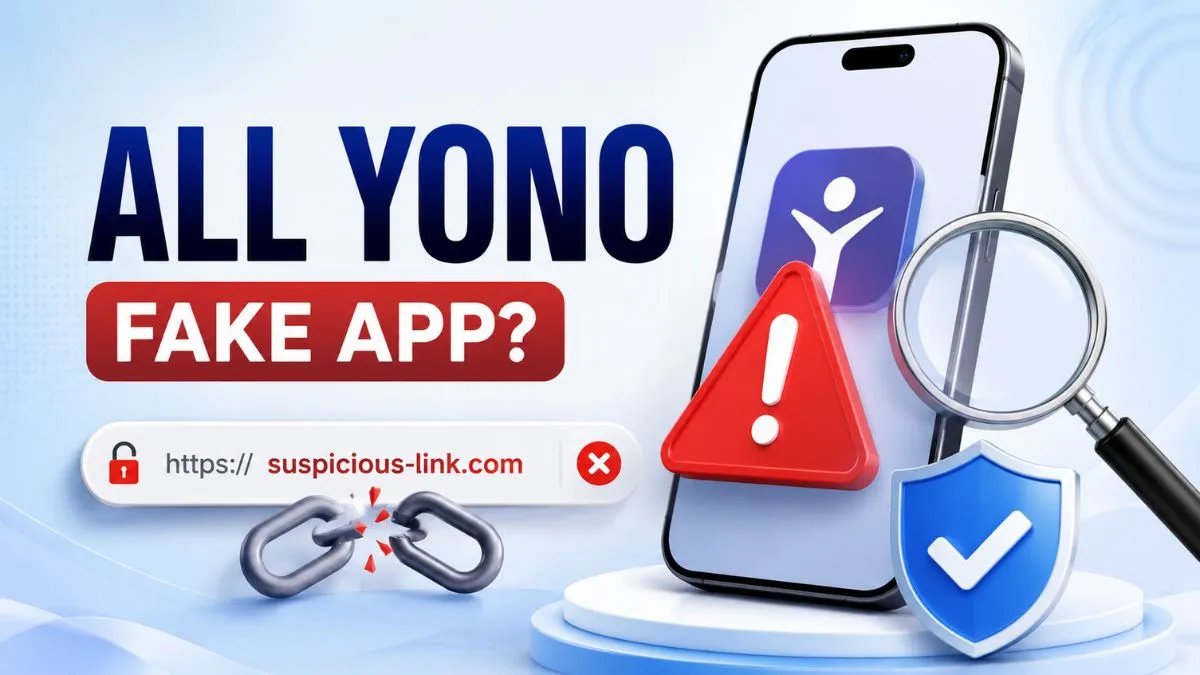
A familiar name does not always mean a link is safe.
Fake app pages, copied download buttons, and phishing-style links can be designed to look convincing at first glance. They may use a similar name, a similar logo, or urgent wording that pushes users to act before they have time to check the page properly.
This article explains how to spot a possible fake All Yono app or scam download link before you enter details, open an APK file, or follow a redirected page.
Start With the Link, Not the Logo
A logo, page colour, or familiar name is easy to copy. The browser address is harder to ignore.
Before opening a download page, tap the address bar and look at the complete domain name. Watch for missing letters, extra words, random numbers, unusual symbols, or a domain that does not match the page you expected to open.
A suspicious page may use a name that looks close enough to create doubt. It may also redirect you through several pages before showing a button or file.
Do not rely on the page title alone. Check where the page is actually hosted.
Common Warning Signs of a Fake All Yono App or Scam Link
A single warning sign does not prove that a page is unsafe. But several warning signs together are a good reason to stop.
The website asks for your OTP or password
All Yono India does not ask users to submit passwords, OTPs, login codes, bank details, Aadhaar details, wallet information, or private screenshots.
If a website claims to be All Yono India and asks for these details, close the page. Login, where relevant, should happen only inside the related application, not through an All Yono India website form.
The domain name looks different
Check for spelling changes, added hyphens, repeated letters, or unrelated words in the domain. A copied page may look similar but use a different address.
The page has no recent update information
A current listing should clearly show when it was last checked or updated. If a page gives no date, has outdated information, or uses a vague "latest link" message without details, treat it carefully.
The page creates pressure
Be cautious when a page says you must click immediately, install quickly, share an OTP, or provide private information to continue. Urgent language is often used to stop users from checking details.
The page opens too many tabs or redirects
One redirect may be normal. Several redirects, forced pop-ups, or unrelated pages are not a good sign. Stop instead of clicking every new button.
The file name or permissions do not make sense
An APK file should not have a confusing name that is unrelated to the page. After installation, review every permission request. Be careful if an app asks for SMS, contacts, microphone, camera, location, or accessibility access without a clear reason.
How to Check the Current Listed All Yono Link
The safest starting point is to visit the current All Yono Games listing directly instead of using a forwarded message, shortened URL, or random social-media post.
On the listing page, check these points before opening anything:
| What to Check | Why It Matters |
|---|---|
| Last Updated date | Helps you see whether the listing has been reviewed recently |
| Link status | Shows whether the listed destination is currently available |
| Exact game name | Helps prevent confusion between similar names |
| Full domain | Lets you compare the destination with the listed source |
| Page behaviour | Unexpected redirects or pop-ups are a reason to stop |
A listed link is not a guarantee that an external page will remain unchanged. Check the date, status, and destination again immediately before opening it.
Why All Yono India Never Requests Login Credentials
All Yono India is built as an information website. It does not operate a login portal or collect private login details.
That means we do not ask for:
- Passwords
- OTPs or verification codes
- Login PINs
- Aadhaar details
- Bank or wallet information
- Payment screenshots
- Personal identity documents
- Account records
If you see a page using the All Yono India name while asking for this information, do not assume it is connected to this website.
A safe habit is simple: never share a password or OTP through a browser page, message, comment section, or unknown support chat.
What to Do if You Think You Downloaded a Fake App
Act early and avoid entering more information.
First, stop using the app. Do not enter a password, OTP, ID number, payment information, or screenshot.
Next, remove the app from your device if you do not recognise it or if it came from an unclear source. Review the permissions you gave it and remove unnecessary access. Use your device's built-in security features, including Google Play Protect where available, to check for potentially harmful apps.
If you used a password in the suspicious app or page, change that password through a known and trusted route. Do not use the link that caused the concern to reset anything.
If you shared financial or identity information, contact the relevant provider through its known official contact channel. You may also report the suspicious link to us through our contact page. This helps us review reports related to links using the All Yono name.
Is All Yono Safe?
No website or download link should be treated as automatically safe without checking it first.
The better question is: does the page match the current information you expected to see, does the domain look correct, is the listing recently checked, and is the page behaving normally?
Use only the current information shown on the All Yono Games page, then review the destination before continuing.
If something feels unclear, close the page. You do not need to prove that it is fake before deciding not to proceed.
A Simple Before-You-Click Checklist
Before opening an All Yono-related app page or download link, ask:
| Question | What to Do |
|---|---|
| Does the domain look correct? | Check the full browser address |
| Did the link come from a random message? | Avoid it and visit the listing page directly |
| Is there a recent Last Updated date? | Check before opening an external link |
| Is the page asking for an OTP or password? | Stop immediately |
| Are there repeated pop-ups or redirects? | Close the tab |
| Does the APK request unusual permissions? | Do not approve them automatically |
| Do I feel rushed or unsure? | Pause and verify before doing anything |
These checks take less than a minute. They can help prevent a much bigger problem.
FAQs
Does All Yono India ever ask for my password or OTP?
No. All Yono India does not ask for passwords, OTPs, login codes, personal IDs, bank details, wallet information, or private screenshots. If a website using the All Yono India name asks for these details, stop and check the source.
How do I know whether a download link is current?
Visit the All Yono Games listing directly. Check the game card's Last Updated date and current link status before opening any external destination.
What should I do if I think I downloaded a fake app?
Stop using the app, do not enter private or payment-related information, uninstall it if you do not trust the source, review its permissions, and use your phone's security tools to check the device. You can also report a suspicious link to All Yono India.
Can an APK file contain harmful software?
An APK file can install software on an Android device, so users should review the source, file name, and permissions before opening it. Device security tools can help identify potentially harmful apps, but they do not replace careful checking.
Is a short link safe to open?
A short link can hide the real destination. When possible, avoid shortened links from unknown sources and use the current listing page directly.
Before You Continue
Fake pages often depend on speed and confusion. Slow down before opening a link, entering details, or installing any file.
Check the current listing, review the domain, look for a recent update date, and never share an OTP or password on a website that claims to represent All Yono India.
When in doubt, close the page and use the All Yono Games listing or contact us to report a suspicious link.